How to Use Bee’s Button: Press, Long-Press, Double-Press and Auto-Off
Bee devices have no screen and one button. Learning its three gestures is the fastest way to get better notes.
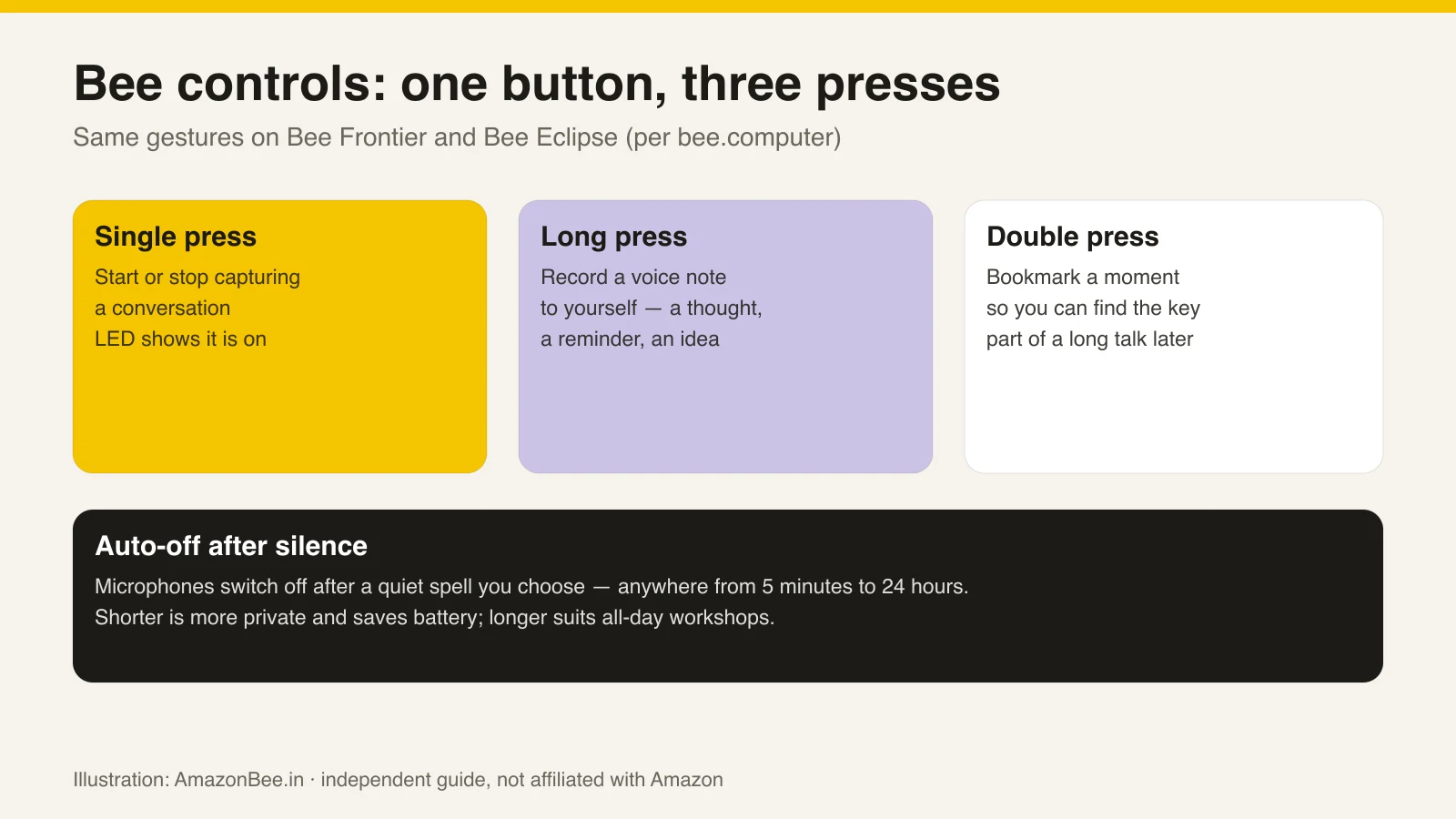
 Illustration: AmazonBee.in. Bee's three button gestures, from bee.computer.
Single press — start or stop
Starts capturing a conversation; press again to stop. The LED shows the device is on (green on Frontier, white on Eclipse per Bee's pages).
Tip: press at the start of the conversation and say you are doing it.
Long press — a voice note
Hold the button to record a voice note to yourself — a quick thought, a reminder, a shopping item. It is the closest Bee comes to "talking to" the assistant.
Double press — bookmark a moment
Double-press during a long conversation to mark a moment — the decision, the deadline, the address. It makes finding the key part of an hour-long meeting much easier.
Auto-off after silence
Bee switches its microphones off after a period of silence you choose, from 5 minutes to 24 hours.
- 5–15 minutes: best for privacy and battery; good default.
- 1–2 hours: workshops with long quiet stretches.
- 24 hours: only if you understand you may capture conversations you did not mean to.
In the box
- Frontier: device, wristband, clip, start guide. The module detaches from the band and the band fits either wrist.
- Eclipse: device, metal ring for non-magnetic phones, start guide.
Charging is via USB-C on both (on the back of Frontier, the bottom edge of Eclipse). We did not see a cable listed — keep one handy.
Sources: bee.computer: Bee Frontier · bee.computer: Bee Eclipse · Amazon announcement. Prices and specs change; check the seller's page before buying. AmazonBee.in is independent and not affiliated with Amazon.