Setting Up Your Bee: A First-Week Guide to Getting Useful Results
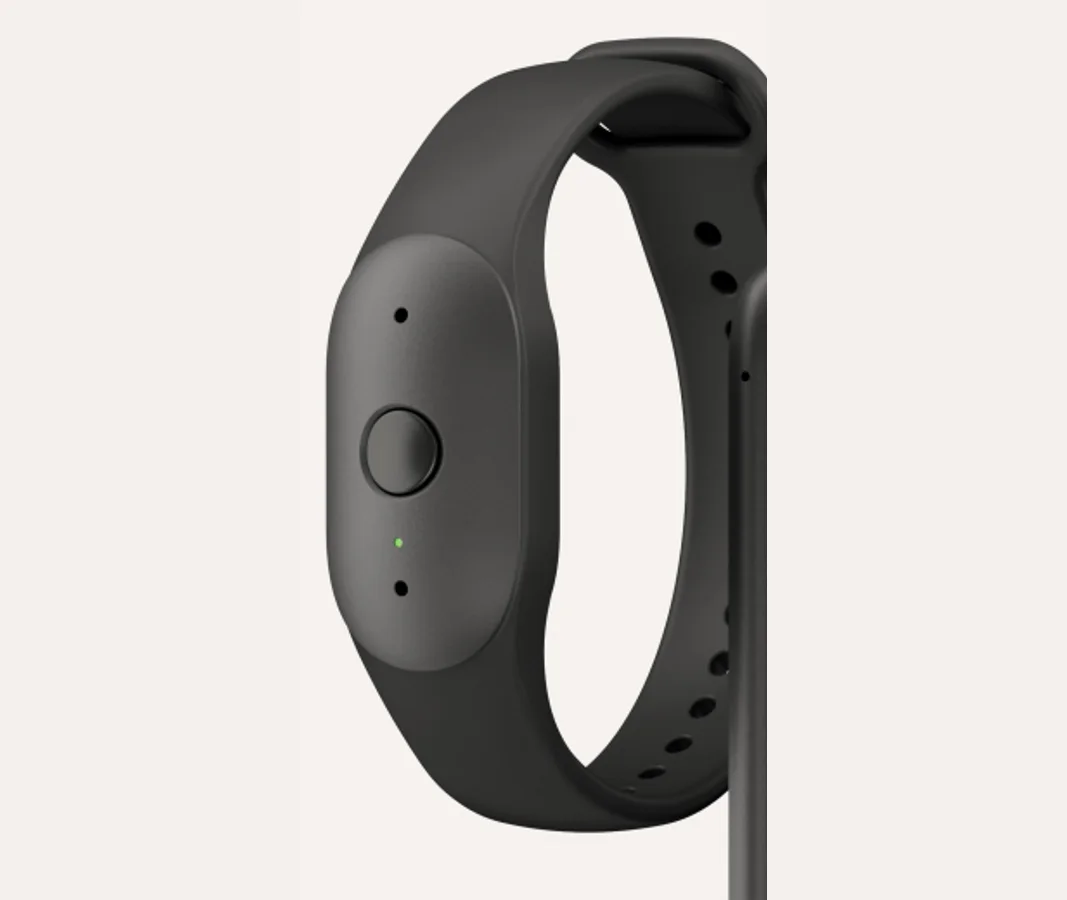
Amazon has not published a full setup manual for the new devices, so this guide focuses on settings and habits that apply whatever the exact steps on screen.
Day 1: the basics
- Charge fully over USB-C before first use.
- Install the Bee app, pair the device and keep the app allowed to run in the background — otherwise relaying can stall.
- Decide wrist or clip. For meetings, clip it near your collar.
- Set auto-off to 5 minutes of silence.
Days 2–3: learn what it hears
- Capture a few low-stakes conversations and read the transcripts, not just the summaries. You will quickly learn where it struggles: names, numbers, crosstalk, noisy rooms.
- Correct important details immediately. There is no audio to replay later.
Days 4–5: try the Pro features (trial)
New buyers get 30 days of Bee Pro. Use them deliberately:
- Try a template — lecture, care plan or brainstorm — on a real conversation.
- Ask the chat assistant something concrete: "What did I agree to do this week?"
- Connect one integration you will actually use, such as Google Calendar.
Days 6–7: decide
- Review the daily insights. Are the themes it finds useful or just noise?
- Before the trial ends, decide whether Pro's features justify $11.99 a month. Cancel if not — the free tier still gives summaries and 14 days of memory.
Habits that matter more than settings
- Press the button deliberately. Treat Bee like a notebook you open, not a microphone you forget.
- Tell people it is on.
- Prune. Delete transcripts you do not need.
Sources: Amazon: Introducing Bee Frontier and Bee Eclipse · Engadget launch report. Specifications are as published at launch (15 October 2026) and may change. AmazonBee.in is an independent site and is not affiliated with Amazon.